
Simple Proxy Integration with DataImpulse
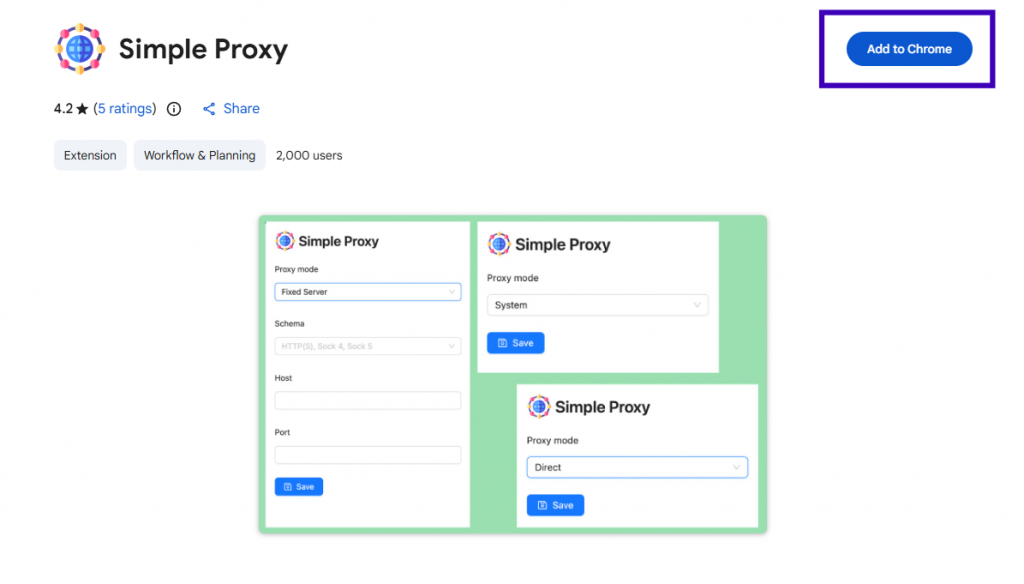
Experience seamless management of Chrome’s proxy settings with the user-friendly SimpleProxy. Effortlessly handle http, http, socks5 protocols. Enjoy the added convenience of automatic proxy settings synchronization.

Configuring proxies using SimpleProxy is a piece of cake. Just follow these straightforward steps:
- Install the extension on your Chrome browser.
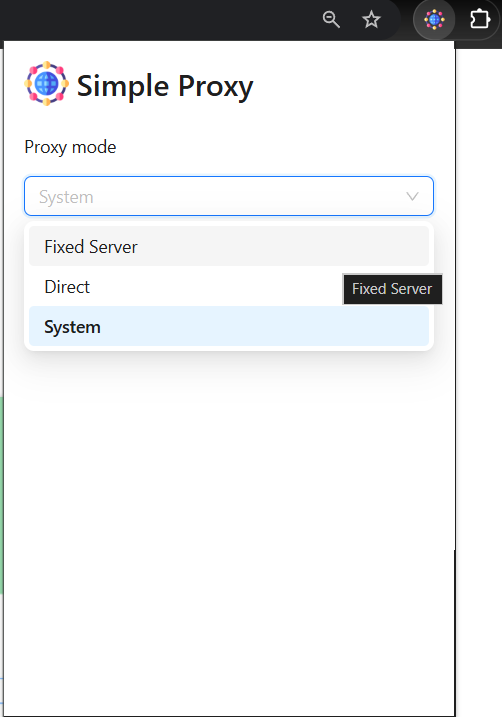
- Click on the extension icon and select “Fixed Server” from Proxy mode options.
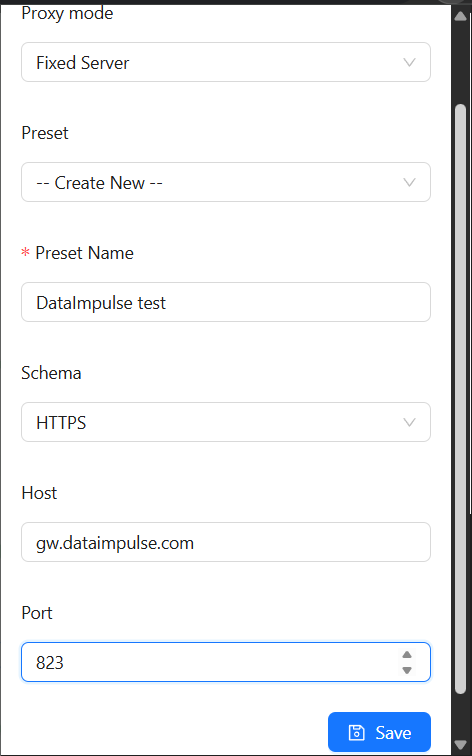
- Name a preset, choose a protocol, and fill in proxy host and port.
Proxy host: gw.dataimpulse.com
Proxy port: 823
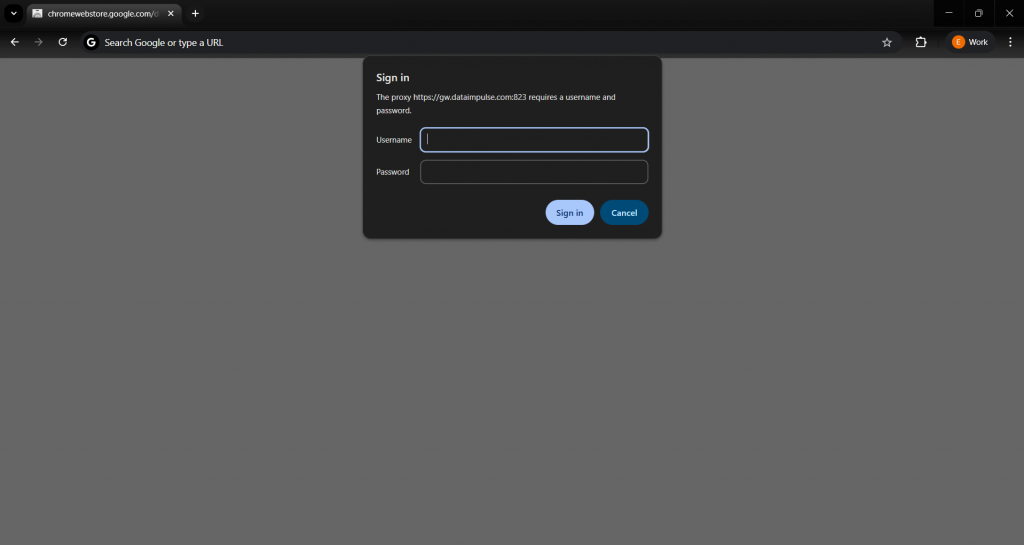
- Save your proxy server profile by clicking the “Save” button. After that, a sign in window will appear – enter your login and password from your DataImpulse dashboard.
Voilà! You’re all set to experience the advantages of utilizing proxies through SimpleProxy.

 State/City/Zip/ASN Targeting



