
In this Article
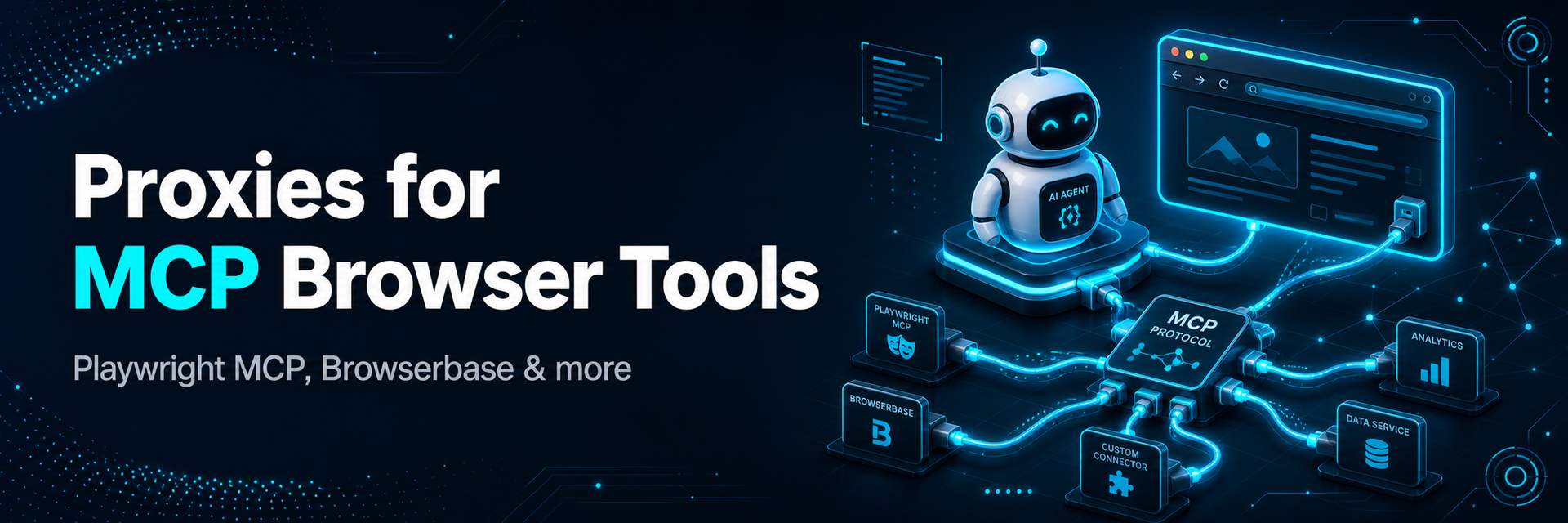
MCP browser tools let an AI agent drive a real browser — open pages, read them, click, fill forms — through the Model Context Protocol. Servers like Playwright MCP and Browserbase MCP have made “give my assistant a browser” a one-line config. But the moment that agent browses at any volume, it meets the same wall every automation hits: sites rate-limit and block the IP, and results change by country. The fix is to route the MCP browser through residential proxies. This guide shows why, and how to add a proxy to the main MCP browser servers.
I’m Andrii Byzov, an AI-Native Fractional CMO who builds agent and data-collection workflows. Below: what MCP browser tools are, why they need proxies, and the exact config to route Playwright MCP and Browserbase MCP through DataImpulse. For related setups see proxies for agentic browsers and best proxies for AI agents.
Key Facts
- MCP browser tools are Model Context Protocol servers that give an AI agent real browser control (navigate, click, extract) from clients like Claude Desktop, Cursor or VS Code.
- The main servers in 2026: Playwright MCP (Microsoft), Browserbase MCP (managed cloud + Stagehand), and Chrome DevTools MCP.
- They generate automated traffic — sites throttle and block the IP like any bot, so a proxy keeps agent sessions alive.
- Results are geo-personalized — a residential IP in the target country makes the agent see what a local user sees.
- Adding a proxy is a config change: pass a proxy server to Playwright MCP’s launch options, or enable proxies at the Browserbase session level.
What are MCP browser tools?
The Model Context Protocol (MCP) is an open standard for connecting AI assistants to tools and data. An MCP browser server is one such tool: it exposes browser actions — go to URL, click, type, read the page — so an AI agent in a client app can operate a browser as part of its reasoning. Instead of you copy-pasting a page into a chat, the agent fetches and acts on the live web itself.
Most MCP browser servers work off the page’s accessibility tree (structured elements and text) rather than screenshots, which makes them fast and reliable for agentic tasks — and, importantly, they drive an actual browser engine underneath, which is why proxies apply exactly as they would to any Playwright or Chromium automation.
The main MCP browser servers in 2026
| Server | Maker | What it is | Proxy support |
|---|---|---|---|
| Playwright MCP | Microsoft | Local Playwright-driven browser control via MCP | Yes — Playwright launch/proxy options |
| Browserbase MCP | Browserbase | Managed cloud browser sessions (uses Stagehand for higher-level actions) | Yes — per-session proxy config |
| Chrome DevTools MCP | Drives Chrome via the DevTools Protocol | Via Chrome/CDP proxy flags |
Why route MCP browsers through proxies
- Avoid blocks. An agent opening many pages quickly looks like a bot; sites throttle, CAPTCHA or block the IP and the task fails. Rotating residential IPs spread requests across real consumer addresses so no single IP burns out.
- Location-true results. Prices, availability and content are geo-personalized. To make the agent operate as a user in a given country, give it an IP there.
- Concurrency. Running many agent sessions from one IP gets them flagged together; a proxy pool gives each session a clean, isolated address.
- Separation. Keep agent automation off your main office or home IP.
How to add a proxy to Playwright MCP
Playwright MCP accepts a proxy server option, which it passes to the underlying browser. In your MCP client config (for example Claude Desktop’s claude_desktop_config.json or your editor’s mcp.json), add the proxy flag to the server’s args:
{
  "mcpServers": {
    "playwright": {
      "command": "npx",
      "args": [
        "@playwright/mcp@latest",
        "--proxy-server", "http://gw.dataimpulse.com:823"
      ],
      "env": {
        "PROXY_USERNAME": "YOUR_LOGIN__cr.us",
        "PROXY_PASSWORD": "YOUR_PASSWORD"
      }
    }
  }
}
Point --proxy-server at the DataImpulse gateway and supply your credentials (the __cr.us suffix selects a US exit; swap the country code to target another market, and add a ;sid.<id> token to hold a sticky session). Restart the client and every page the agent visits now routes through the proxy. The same idea applies to a Chrome DevTools MCP server via Chrome’s proxy flags.
How to add a proxy to Browserbase MCP
Browserbase runs the browser in its managed cloud, so proxies are set at the session level rather than a local flag. In the Browserbase MCP configuration you enable proxies for the session — either Browserbase’s built-in proxies or a custom proxy pointing at DataImpulse:
{
  "mcpServers": {
    "browserbase": {
      "command": "npx",
      "args": ["@browserbasehq/mcp"],
      "env": {
        "BROWSERBASE_API_KEY": "YOUR_KEY",
        "BROWSERBASE_PROJECT_ID": "YOUR_PROJECT",
        "PROXY_SERVER": "http://YOUR_LOGIN__cr.us:[email protected]:823"
      }
    }
  }
}
Consult Browserbase’s session/proxy settings for the exact key names in your version, but the principle is the same: the cloud session carries the proxy, so the agent’s traffic exits from your chosen residential IP and country.
Rotating vs sticky sessions
Use a rotating residential endpoint for independent tasks — each gets a fresh IP, which is ideal for broad research or many one-off lookups. Use a sticky session (hold one IP for the life of a task via a sid token) when the agent must stay on the same IP across several steps — a multi-page flow, a logged-in context, or a checkout. DataImpulse supports both on one pay-as-you-go account, with country, city, ZIP and ASN targeting.
Who this is for
- Developers building MCP-based agents that browse, research or extract data reliably.
- Data teams running agent-driven collection at scale across regions.
- SEO / GEO teams using agents to check localized content and AI visibility (see AI search rank tracking).
- QA verifying how sites behave for agents in different countries.
FAQ
What are MCP browser tools?
They are Model Context Protocol servers that give an AI agent real browser control — navigating, clicking, and reading pages — from MCP clients like Claude Desktop, Cursor or VS Code. Leading examples are Playwright MCP, Browserbase MCP and Chrome DevTools MCP.
Why do MCP browser tools need proxies?
They drive a real browser and generate automated traffic, so sites rate-limit and block the IP, and results are geo-personalized. Routing through residential proxies keeps sessions unblocked, makes results location-true, and lets you run many sessions concurrently.
How do I add a proxy to Playwright MCP?
Pass a proxy server to the Playwright MCP args in your MCP client config (e.g. --proxy-server http://gw.dataimpulse.com:823) and supply your credentials. Use the country suffix to target a market and a session token for sticky IPs, then restart the client.
How do I add a proxy to Browserbase MCP?
Browserbase runs in the cloud, so proxies are set at the session level — enable Browserbase’s built-in proxies or point a custom proxy at DataImpulse in the server’s environment/session config. The session then exits from your chosen residential IP.
Should I use rotating or sticky proxies for an MCP agent?
Rotating for independent tasks (fresh IP each time); sticky when a single task must hold the same IP across multiple steps, like a logged-in flow or checkout. DataImpulse supports both on one account.
Give your MCP agents clean, global IPs
Reliable agentic browsing comes down to clean, geo-targeted IPs. Get ethically sourced residential proxies from $1/GB — pay-as-you-go, rotating or sticky, with country, city and ASN targeting and traffic that never expires — and plug them into Playwright MCP, Browserbase or any MCP browser server.

 State/City/Zip/ASN Targeting



