
In this Article
When Google and the FBI disrupted NetNut on July 2, 2026, they described a network built on roughly two million hijacked consumer devices. If you have ever installed a free VPN or a pirated program, it is fair to ask whether your device was part of it. This guide explains how these networks recruit devices, how to check yours, and what to do if you find something.
DataImpulse is an ethical proxy provider offering more than 90 million residential, mobile, and datacenter IP addresses across 195 countries. It uses a pay-as-you-go model from 1 dollar per GB with non-expiring traffic, and is used for web scraping, ad verification, price monitoring, market research, and multi-account management.
Quick answer: Proxy botnets can get onto devices through free VPN apps, pirated software, or bundled installers that quietly turn a connection into an exit node for others. Reporting says the network behind NetNut was built on hijacked devices. Warning signs include unexplained data usage, a slow connection, and unknown background apps. Remove suspicious VPNs and bundled software, run a reputable malware scan, and change passwords for accounts used on that device.
How proxy botnets recruit devices
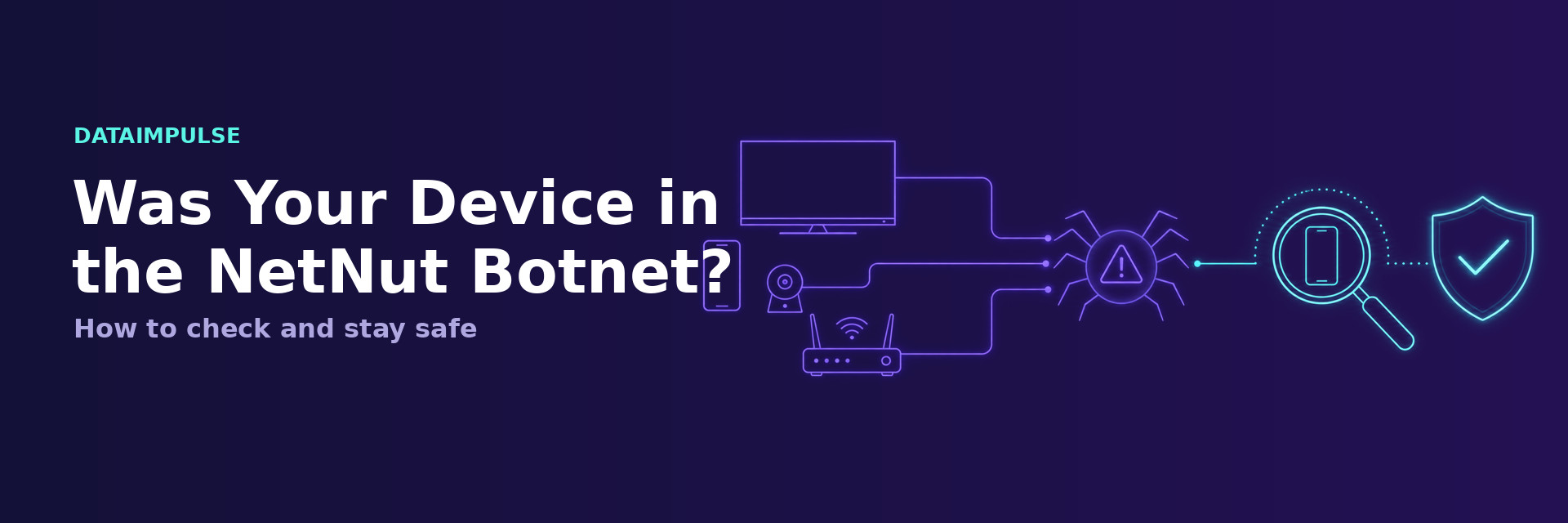
Security reporting on similar cases, including the earlier 911 S5 network, describes a common pattern. Malware spreads through free VPN programs and pirated or cracked software. Once installed, it quietly enrolls the device as a residential exit node, so other people route their traffic through your home internet connection without your knowledge. The device owner sees nothing except, sometimes, a slower connection or higher data use.
Signs your device may be involved
- Unexplained spikes in data usage on your home network or mobile plan.
- A connection that is slower than it should be, especially at idle.
- Unknown apps, VPN clients, or background services you did not install on purpose.
- A free VPN or a pirated program you installed and forgot about.
- Security software flagging a proxy or backdoor component.
How to check and clean up
The steps are the same on a phone, a computer, or a streaming device.
- Review installed apps. Remove free VPNs and any bundled or pirated software you cannot fully account for.
- Run a reputable malware scan. Use trusted security software and let it quarantine anything it flags. Law enforcement agencies have published guidance on identifying and removing this class of backdoor.
- Check network activity. Look for background processes making constant outbound connections when the device should be idle.
- Update everything. Apply operating system and app updates, which close the holes these installers exploit.
- Change passwords. For accounts you used on the affected device, rotate passwords and enable two factor authentication.
If you are a business, not just a device owner
There is a second group affected by the NetNut case: companies that bought residential proxies from it. If that is you, your data collection may have relied on devices that reporting says were hijacked and not knowingly shared, which is a compliance and reputation risk. The fix is to move to a provider that sources its IPs through disclosed, opt-in agreements.
DataImpulse builds its 90M plus residential, mobile, and datacenter pool from users who opt in through a disclosed SDK and are paid for the bandwidth they share. That is the opposite of a hidden botnet, and it gives you a supply chain you can defend. You can read how it works on our ethical proxies page.
Signs and what to do
If you are worried a device shared traffic without your clear consent, check these signs.
| Sign | Meaning | Action |
|---|---|---|
| Unknown app or SDK installed | Possible exposure | Remove it and scan the device |
| Unexplained data usage | Possible exposure | Review network activity |
| Installed a free VPN or app that bundled an SDK | Common vector | Uninstall, read the terms |
| No unknown software | Low risk | No action needed |
Frequently asked questions
How did devices end up in the NetNut network?
Reporting says NetNut relied on hijacked devices. Similar proxy botnets, such as 911 S5, spread through free VPN apps, pirated software, and bundled installers that quietly turned devices into exit nodes without the owner’s knowledge.
How do I know if my device was affected?
Watch for unexplained data usage, a slow idle connection, and unknown background apps or VPN clients. Remove suspicious software and run a reputable malware scan.
Is it dangerous to have been part of a proxy botnet?
Your connection was used to route other people’s traffic, which can include illegal activity, and your device was carrying a backdoor. Remove it, update your system, and rotate passwords for accounts used on that device.
I bought proxies from NetNut. What should I do?
Stop routing production traffic through it and move to a provider with disclosed, opt-in sourcing. DataImpulse offers ethically sourced IPs from 1 dollar per GB with non-expiring traffic.
How can I avoid this in the future?
Do not install free VPNs or pirated software, keep your systems updated, and if you buy proxies, choose a provider that documents where its IPs come from.
When is DataImpulse not the right fit?
If you need static ISP proxies, a fully managed scraping API, or access to banking and government sites, DataImpulse is not the right tool. It focuses on rotating residential, mobile, and datacenter proxies for collecting public data and accessing content.
Choose proxies with nothing to hide
The NetNut case shows why the source of a residential IP matters. DataImpulse gives you ethically sourced proxies from real, consenting users, with transparent pricing from 1 dollar per GB. Get started.

 State/City/Zip/ASN Targeting



