
In this Article
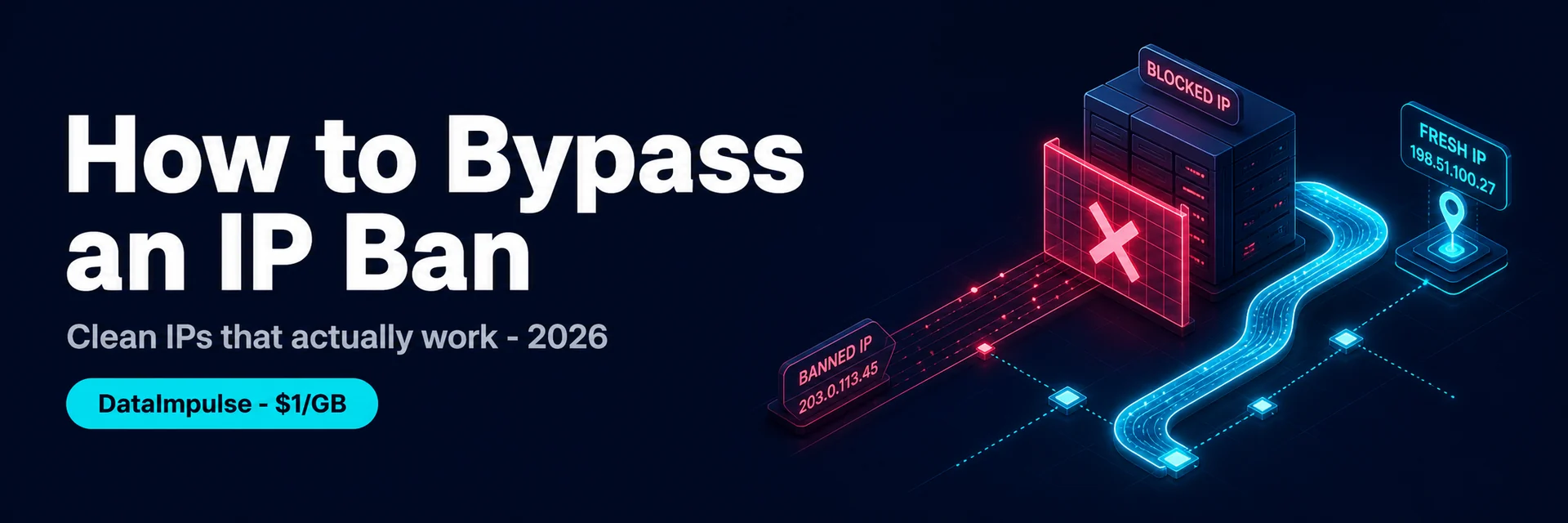
An IP ban means a website or service has blocked your IP address, so every request from it is refused — you see “your IP has been banned”, “access denied”, or a permanent block page. Because the block is tied to the IP, the reliable fix is to come from a different, clean IP, which is exactly what a proxy does. This guide explains what an IP ban is, why it happens, and how to bypass an IP ban in 2026 the right way — using clean residential or mobile IPs rather than flagged ones — with DataImpulse at $1/GB as the value pick.
One framing up front: an IP ban is about your IP’s reputation, not your account alone. Switching to a single new datacenter or free-proxy IP often gets you re-banned fast, because those IPs are already flagged. The durable fix is clean residential or mobile IPs that read as real users.
Key Facts
- An IP ban blocks your IP address from a site or service, so every request from it is refused regardless of account.
- It’s tied to the IP, so the reliable fix is to come from a different, clean IP — which is what a proxy provides.
- Reputation matters. Datacenter and free-proxy IPs are already flagged, so switching to one often gets you re-banned; residential and mobile IPs read as real users.
- Bans range from temporary to permanent. A rate-limit cooldown clears on its own; a hard ban needs a clean new IP.
- What got you banned matters too. If aggressive scraping or rule-breaking caused the ban, a new IP without changing the behavior just gets re-banned — fix the behavior as well.
- DataImpulse is the value pick — residential IPs at $1/GB and mobile at $2/GB across 195 countries, real consumer connections that read as ordinary users, so a fresh clean IP isn’t immediately re-flagged.
What Is an IP Ban?
An IP ban is when a website, game, app, or service blocks a specific IP address from accessing it. Once your IP is on the block list, it doesn’t matter which account you use or whether you clear cookies — requests from that IP are refused. Sites use IP bans to stop abuse, scraping, spam, ban evasion, and rule-breaking, and they range from short rate-limit cooldowns to permanent blocks. Because the ban targets the IP, the way around it is to reach the site from a different IP — but not just any IP.
Why Do You Get IP-Banned?
- Too many requests. Hammering a site triggers rate limits and then IP blocks — common in scraping done too aggressively.
- Datacenter or flagged IPs. Many sites block known datacenter ranges and proxy/VPN blocklists outright.
- Multiple accounts on one IP. Running many accounts from a single IP gets the IP (and accounts) flagged.
- Geo or policy blocks. Some services block whole regions or IPs that don’t match expected locations.
- Rule-breaking behavior. Spam, automation against the rules, or abuse gets the IP banned — and a new IP alone won’t help if the behavior continues.
How to Bypass an IP Ban (the Right Way)
- Switch to a clean residential or mobile IP. The core fix: route through a real consumer or carrier IP that isn’t on a blocklist, so you read as a normal user. Datacenter and free IPs are usually already flagged.
- Use a different IP per task or account. One clean IP per account (with an antidetect browser for account work) so the site can’t link or re-ban by IP.
- Match the country. Use an IP in the country the service expects, and hold a sticky session so your IP doesn’t change mid-task.
- Slow down. If aggressive requests caused the ban, throttle and add delays — a new IP plus the same hammering just gets re-banned.
- Fix the behavior. If you broke a rule, a new IP doesn’t fix the root cause; correct what triggered the ban.
- For temporary bans, wait. A rate-limit cooldown clears on its own; you don’t always need a new IP.
Which Proxy Type Beats an IP Ban?
- Residential ($1/GB) — the default: real consumer IPs that read as ordinary users, so a fresh one isn’t immediately re-flagged.
- Mobile ($2/GB) — 4G/5G carrier IPs, the most trusted class because many real users share each one, hardest to ban.
- Datacenter — cheapest, but the most likely to be banned again; fine only for sites that don’t run anti-proxy checks.
- Rotating vs sticky — rotate IPs for high-volume scraping; hold a sticky IP for an account or a session.
How to Get a Clean IP with DataImpulse
Step 1. Create a DataImpulse account and grab your residential (or mobile) credentials — host gw.dataimpulse.com, port 823 (HTTP) or 824 (SOCKS5). The $5 intro credit never expires (5GB residential / 2.5GB mobile).
Step 2. Set the country in the username — YOUR_LOGIN__cr.us — and add ;sessid.xxxx for a sticky IP. Point your browser, scraper, or app at the proxy so you come from a clean residential IP.
Step 3. Use one clean IP per account, throttle politely, and fix whatever behavior caused the ban. Full syntax is in the DataImpulse tutorials; see also our anonymous proxy and best proxies for web scraping guides.
FAQ
How do I bypass an IP ban?
Come from a different, clean IP. Since the ban targets your IP, routing through a residential or mobile proxy that isn’t on a blocklist lets you reach the site as a normal user. Switching to a datacenter or free-proxy IP usually gets you re-banned because those are already flagged. Match the country, use one clean IP per account, slow down if aggressive requests caused the ban, and fix any rule-breaking behavior — a new IP alone won’t help if the cause continues.
Will a VPN bypass an IP ban?
Sometimes, but not reliably. A consumer VPN gives you one shared IP that many people use, which sites often already flag or block — so you may be banned again quickly. Residential and mobile proxies give you clean IPs that read as real users and a different IP per task, which is far more reliable for getting past an IP ban and staying unblocked.
Why do I get banned again right after changing my IP?
Two common reasons. First, the new IP is a datacenter or free-proxy IP that’s already on a blocklist, so it’s flagged immediately — use clean residential or mobile IPs instead. Second, the behavior that caused the ban (too many requests, rule-breaking) continued, so the site re-bans the new IP too. Fix both: a clean IP and corrected behavior.
Are IP bans permanent?
It depends. Many “bans” are temporary rate-limit cooldowns that clear on their own after a while, so you don’t need a new IP. Others are hard blocks that stay until you come from a different IP. If waiting doesn’t restore access, the ban is persistent and you’ll need a clean residential or mobile IP — and to fix whatever triggered it.
Is bypassing an IP ban legal?
Using a proxy to change your IP is legal, and accessing public content from a different IP is a normal, legitimate thing to do — for testing, research, scraping public data, and managing your own accounts. What you do matters more than the proxy: respect each site’s terms, don’t evade bans for abusive purposes, keep to public, non-personal data, and use an ethically sourced provider.
What’s the best proxy to get past an IP ban?
Residential proxies for most cases — real consumer IPs that read as ordinary users, so a fresh one isn’t immediately re-flagged. Mobile (4G/5G) IPs are the most trusted class for the hardest blocks because many real users share each carrier IP. Datacenter IPs are cheapest but the most likely to be banned again. DataImpulse offers residential at $1/GB and mobile at $2/GB across 195 countries with city targeting.

 State/City/Zip/ASN Targeting



