
In this Article
Managed scraping APIs solve a real problem: they absorb the maintenance of keeping requests working as targets change. The question worth answering before comparing vendors is whether that maintenance is what your project actually needs.
This guide covers what these services absorb, where the economics turn, and how to keep the option of leaving.
Key Facts
- A managed scraping API sells maintenance, not access. What you are paying for is somebody else keeping up with detection changes.
- The cost curve crosses. Per-request pricing wins early and loses at volume, where bandwidth-priced infrastructure is far cheaper.
- Rendering is the expensive part. Most pricing tiers really measure whether a browser had to run.
- Lock-in is the hidden cost. A pipeline written against one vendor’s response format is expensive to move.
- Most projects need less than they buy: a large share of targets return their data in plain HTML or an underlying API call.
What does a managed API actually do for you?
Three things, and only the third is hard to replicate. Anyone comparing zenrows alternatives is really comparing these three.
It rotates exits, which a proxy provider also does and which is the cheapest part of the bundle.
It renders pages, running a browser when the data only exists after scripts execute. This is where most of the cost sits, for them and for you.
It keeps up. Detection changes, and somebody has to adjust. Paying a vendor to do that continuously is the genuine value, and it is the thing teams underestimate when they decide to build.
The corollary is that if your targets are stable and unprotected, you are paying a maintenance premium for maintenance you do not need.
Where does the economics turn?
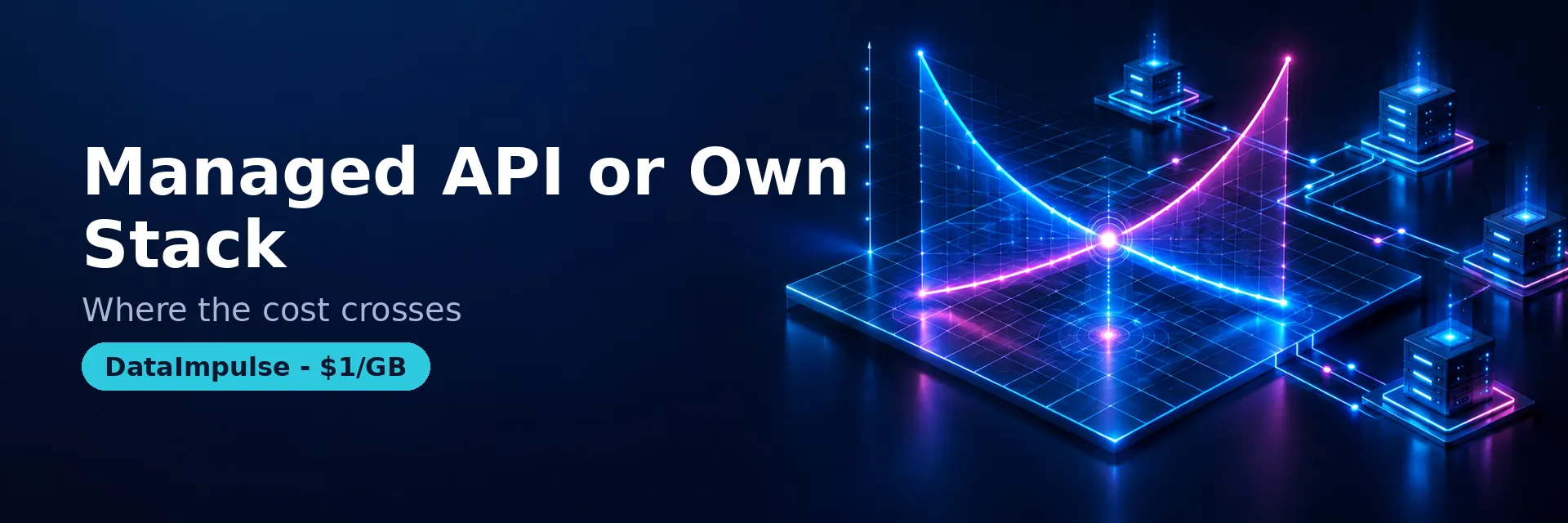
Where per-request pricing meets volume. We call it the 3-part cost model.
| Layer | Managed API | Own stack |
|---|---|---|
| 1. Exit bandwidth | Bundled, marked up | Priced per GB, far cheaper at scale |
| 2. Rendering | Charged as premium requests | Your compute, cheap if you avoid it where possible |
| 3. Maintenance | Included; the real product | Your engineering time, ongoing and uneven |
Low volume with awkward targets favours the managed route decisively. High volume against ordinary pages favours your own stack, because you are otherwise paying a per-request premium for bandwidth you could buy at $1 per GB. The crossover is worth calculating with your real numbers rather than assumed.
How do you choose without locking yourself in?
| Situation | Use this when | Avoid when |
|---|---|---|
| Small volume, difficult targets | A managed API | Volume is high and pages are plain |
| High volume, mostly static HTML | Your own fetcher plus proxies | You have no capacity to maintain it |
| Mixed workload | Both: own stack by default, API for the hard tail | Routing everything through the expensive path |
| Target exposes a JSON endpoint | Call it directly | Paying for rendering you do not need |
| Any of the above | Abstract the fetch layer behind your own interface | Writing the pipeline against one vendor’s schema |
The last row is the one that pays for itself. A thin internal interface over “fetch this URL and give me HTML” means switching vendors, or moving part of the traffic to your own stack, is a configuration change rather than a rewrite.
What are the limits?
A vendor comparison cannot resolve these four, and none of them does what people assume.
No service makes a target permit you. Site terms and applicable law apply the same whether a vendor or your own code sends the request. General information, not legal advice.
Success rate claims are not portable. A headline figure does not describe your target mix and cannot be assumed to transfer. Test your own hardest pages.
Prices and tiers move. Check the vendor’s own pricing page and note the date, including for anything you read in a comparison article.
Rendering everything is the common waste. Before buying capacity, check how many of your targets return their data without a browser; in most projects it is more than expected.
Related: cloud-based web scraping, 403 Forbidden explained.
Frequently Asked Questions
What does a managed scraping API give you over proxies?
Rendering and maintenance. Exit rotation is the cheap part that a proxy provider also does; running a browser and continuously adapting to detection changes is what you are really paying for.
When is your own stack cheaper?
At volume against ordinary pages. Per-request pricing bundles bandwidth at a markup, so once request counts are high and most targets return plain HTML, buying bandwidth per GB and fetching yourself costs substantially less.
How do I avoid vendor lock-in?
Put a thin internal interface in front of fetching, so your pipeline asks for a URL and receives HTML without knowing who provided it. Switching vendors or splitting traffic then becomes configuration rather than a rewrite.
Do I need rendering for my targets?
Often less than expected. Many pages return their data in the HTML or fetch it from an underlying endpoint you can call directly, which is both faster and cheaper than running a browser.
Can I compare scraping APIs on published success rates?
Not usefully. Those figures were measured on the vendor’s own target mix. Run your ten hardest real pages through each candidate and compare the results you actually get.
Buy the bandwidth, keep the pipeline
When most of your targets return plain HTML, per-request pricing is paying a premium for bandwidth. DataImpulse residential is $1 per GB across 195 countries with country, city and ZIP targeting. Create an account and compute your crossover.
Related: cloud-based web scraping · proxies for web scraping · HTTP status codes for scrapers.
Last updated: September 18, 2026.

 State/City/Zip/ASN Targeting



