
In this Article
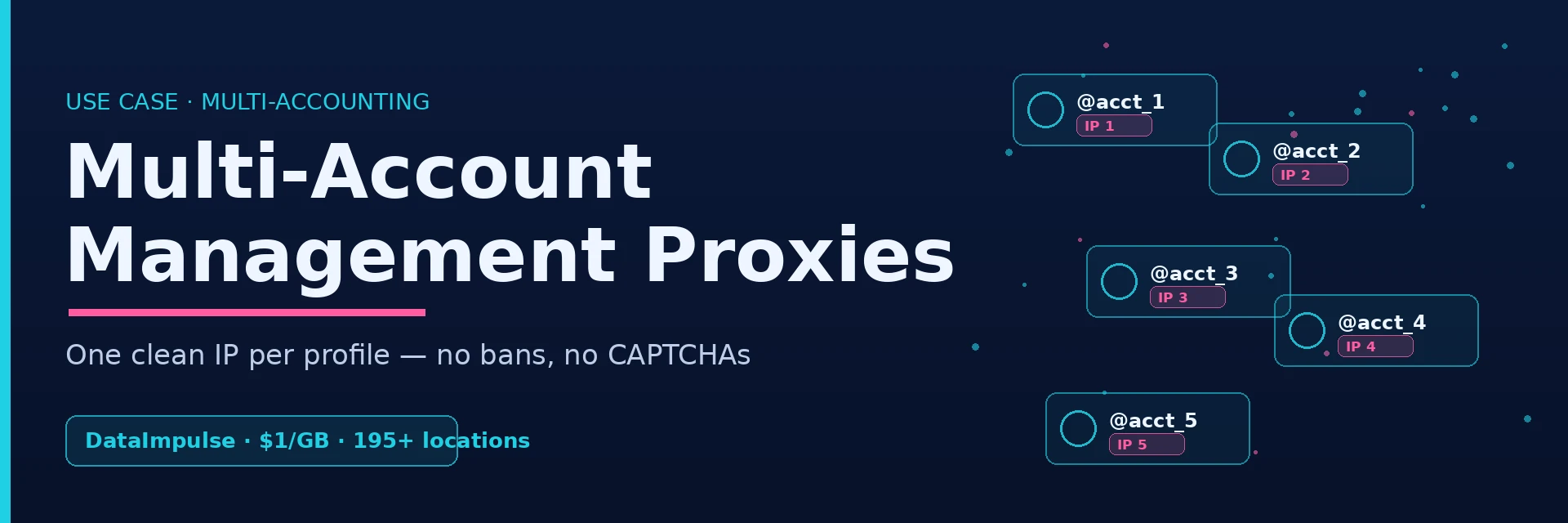
Running multiple accounts on the same platform — for clients, brands, A/B tests, or regional audiences — fails the moment those accounts share one IP. Platforms link profiles by IP and device fingerprint and ban them in clusters. Multi account proxies solve that by giving each profile its own clean, real IP, so your accounts look like separate people on separate devices. DataImpulse provides multi account proxies across 195+ locations and 90M+ IPs at $1/GB — pay-as-you-go, no bans, no CAPTCHAs, real residential and mobile addresses.
I’m Andrii Byzov, an AI-Native Fractional CMO who runs multi-accounting operations daily. Whether you manage multiple accounts for clients or your own brands, the proxy layer is what keeps multi-accounting safe. This guide covers what multi-account management is, the platforms it applies to, why developers pick DataImpulse, and how to get started.
Key Facts
- One IP per profile is the rule. Platforms link and ban multiple accounts that share an address — a unique IP per profile is what keeps them separate.
- Residential and mobile IPs work best for multi-accounting — they read as real users, unlike datacenter ranges that get flagged.
- Sticky sessions hold one IP per account so a profile keeps a stable identity across logins.
- DataImpulse: 195+ locations, 90M+ IPs, $1/GB, pay-as-you-go, traffic never expires, country targeting included.
- Works with anti-detect browsers (Multilogin, AdsPower, GoLogin, Dolphin Anty) — assign a unique IP to each profile.
What Is Multi-Account Management?
Multi-account management — or multi-accounting — is running several accounts on the same platform without those accounts being linked or banned. The hard part isn’t creating the accounts — it’s keeping them isolated, because platforms detect that profiles belong to one operator through shared IPs, device fingerprints, and behavior. A multi account proxy handles the IP layer: each profile gets its own address, so the platform sees independent users. Teams use multi-accounting to:
- Run A/B tests across accounts — test pricing, content, and approaches in parallel without risking a ban.
- Manage brands and clients at scale — operate many accounts at once, each cleanly separated.
- Access geo-restricted audiences — use a local IP per region so each account sees and posts to its target market.
Manage Multiple Accounts Across Top Platforms
Multi-accounting spans far more than social media — multi account proxies apply anywhere platforms link profiles by IP. Wherever you manage multiple accounts, a unique IP per profile is the constant. These are the most common multi-accounting targets:
| Platform | Why proxies matter |
|---|---|
| Instagram & TikTok | Aggressive account linking; mobile/residential IPs per profile avoid bans |
| Facebook / Meta Ads | Ad accounts get flagged on shared IPs; one clean IP per account |
| Amazon & eBay | Seller and buyer accounts must not be linked by address |
| Shopify | Run multiple stores without cross-association |
| Google / Gmail | Bulk account access without verification walls |
| Binance / Bybit | Region-correct, stable IPs for separate trading accounts |
| Twitter / X & Reddit | Manage multiple handles without shadowbans from shared IPs |
Why Developers Choose DataImpulse for Multi-Account Management
Plenty of providers sell multi account proxies, but multi-accounting at scale lives or dies on IP quality and per-profile control. Here’s what makes DataImpulse a fit when you manage multiple accounts in production.
Zero IP Conflicts Between Accounts
Assign a unique IP to every profile from a pool of 90M+ residential and mobile addresses, so no two of your accounts ever share an address — the single biggest cause of linked-account bans.
Sticky Sessions for Stable Workflows
Sticky sessions hold the same IP for a profile across logins, so each account keeps a consistent identity instead of jumping addresses mid-session — essential for logins, carts, and trading.
No Bans, No CAPTCHAs
Real consumer IPs read as genuine users, so you hit far fewer CAPTCHAs and verification walls than with datacenter ranges — and your accounts stay live.
Works With Anti-Detect Browsers
DataImpulse plugs straight into the tools that manage multiple accounts — Multilogin, AdsPower, GoLogin, and Dolphin Anty — so you assign a fresh IP to each browser profile in seconds.
Pricing and Integrations
DataImpulse is pay-as-you-go at $1/GB for residential, with country targeting included and traffic that never expires — no subscriptions or expiring plans. Beyond anti-detect browsers, it connects to the automation and scraping stack many multi-account workflows rely on: Playwright, Scrapy, Puppeteer, and Shadowrocket. See the residential proxies and mobile proxies pages for full specs.
3 Steps to Get Started
Step 1. Create an account. Sign up for DataImpulse and grab your proxy credentials — residential or mobile.
Step 2. Pick your tool. Open your anti-detect browser or automation tool and create a profile per account.
Step 3. Connect and manage your accounts. Integrate DataImpulse proxies into your anti-detect browser or tool, assign a unique IP to each profile, and start managing accounts.
Frequently Asked Questions
Why use a proxy instead of a VPN for multi-accounting?
A VPN routes all your traffic through a few shared IPs, so multiple accounts still end up on the same address — exactly what gets them linked. Multi account proxies give each profile its own unique IP from a large pool, which is what keeps accounts separate. Proxies also offer per-profile control and sticky sessions a VPN can’t.
Which proxy type is best for managing multiple Instagram or TikTok accounts?
Mobile and residential proxies. Both read as real consumer devices, and mobile IPs are the closest match to a phone — ideal for app-first platforms like Instagram and TikTok. Avoid datacenter IPs, which these platforms flag quickly.
How do sticky sessions help with multi-account management?
A sticky session keeps the same IP assigned to one profile for a set period, so the account doesn’t appear to hop between addresses mid-session. That stable identity is what platforms expect from a real user, and it prevents the re-verification and bans that random IP switching triggers.
Can I use DataImpulse with GoLogin, AdsPower, or Multilogin?
Yes. DataImpulse works with all major anti-detect browsers — Multilogin, AdsPower, GoLogin, Dolphin Anty, and others. You assign a unique DataImpulse IP to each browser profile; our step-by-step tutorials cover the exact setup for each tool.
Will proxies prevent account bans on Amazon or eBay?
Proxies remove the most common ban trigger — accounts linked by a shared IP — by giving each profile a clean, separate address. They don’t override behavior-based detection, so combine unique IPs with consistent per-account behavior and an anti-detect browser for the strongest separation.
How many accounts can I manage with one DataImpulse plan?
There’s no account cap — pricing is pay-as-you-go by traffic ($1/GB), not by number of profiles. You can run as many accounts as you need; you only pay for the bandwidth they use, and traffic never expires.
Is it legal to use proxies for managing multiple accounts?
Using proxies is legal — they’re standard network infrastructure. Running multiple accounts may be against a specific platform’s terms of service, which is a contractual matter between you and the platform, not a question of the proxy’s legality. Review each platform’s rules for your use case.
Start Managing Multiple Accounts Without Bans
Give every profile its own clean IP and stop losing accounts to IP linking. Create a DataImpulse account — multi account proxies at $1/GB, 195+ locations, 90M+ residential and mobile IPs, pay-as-you-go.
Last updated: June 24, 2026.

 State/City/Zip/ASN Targeting



